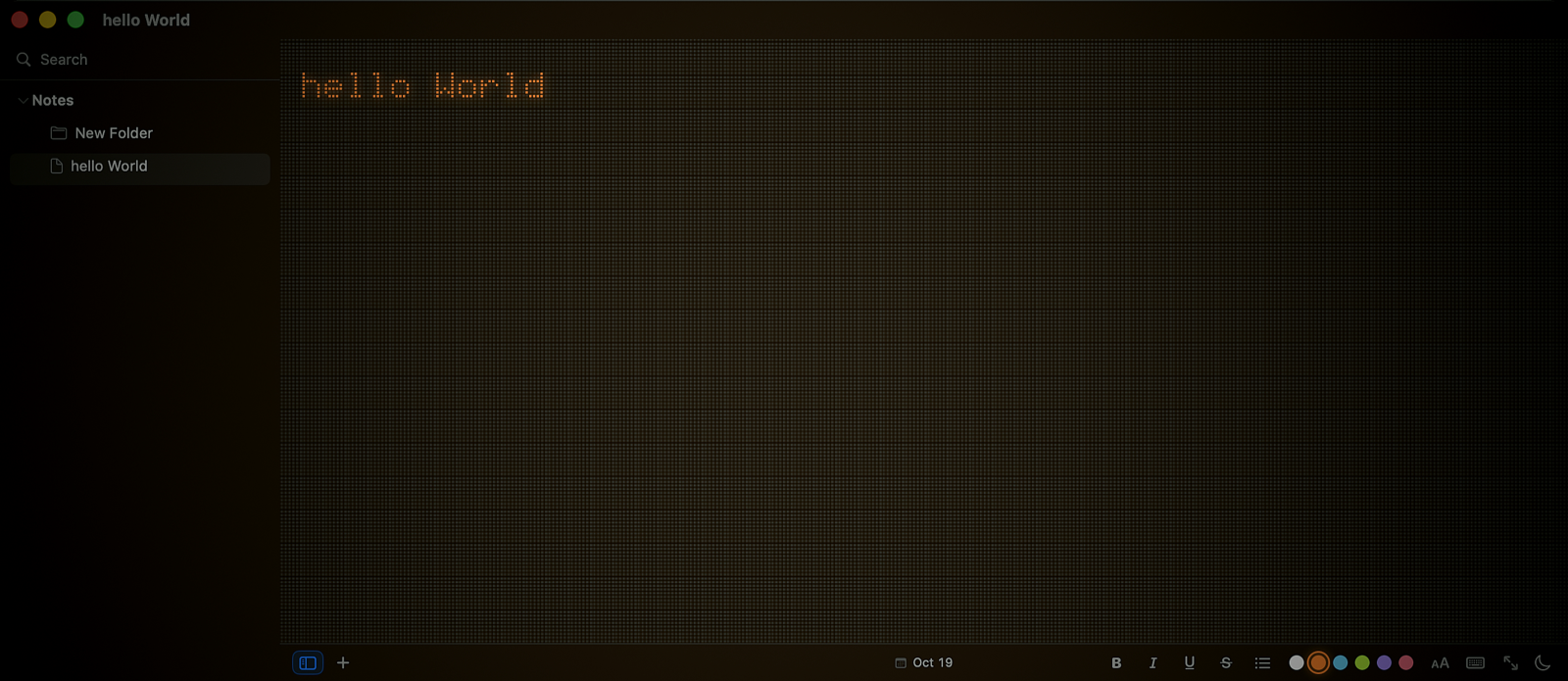
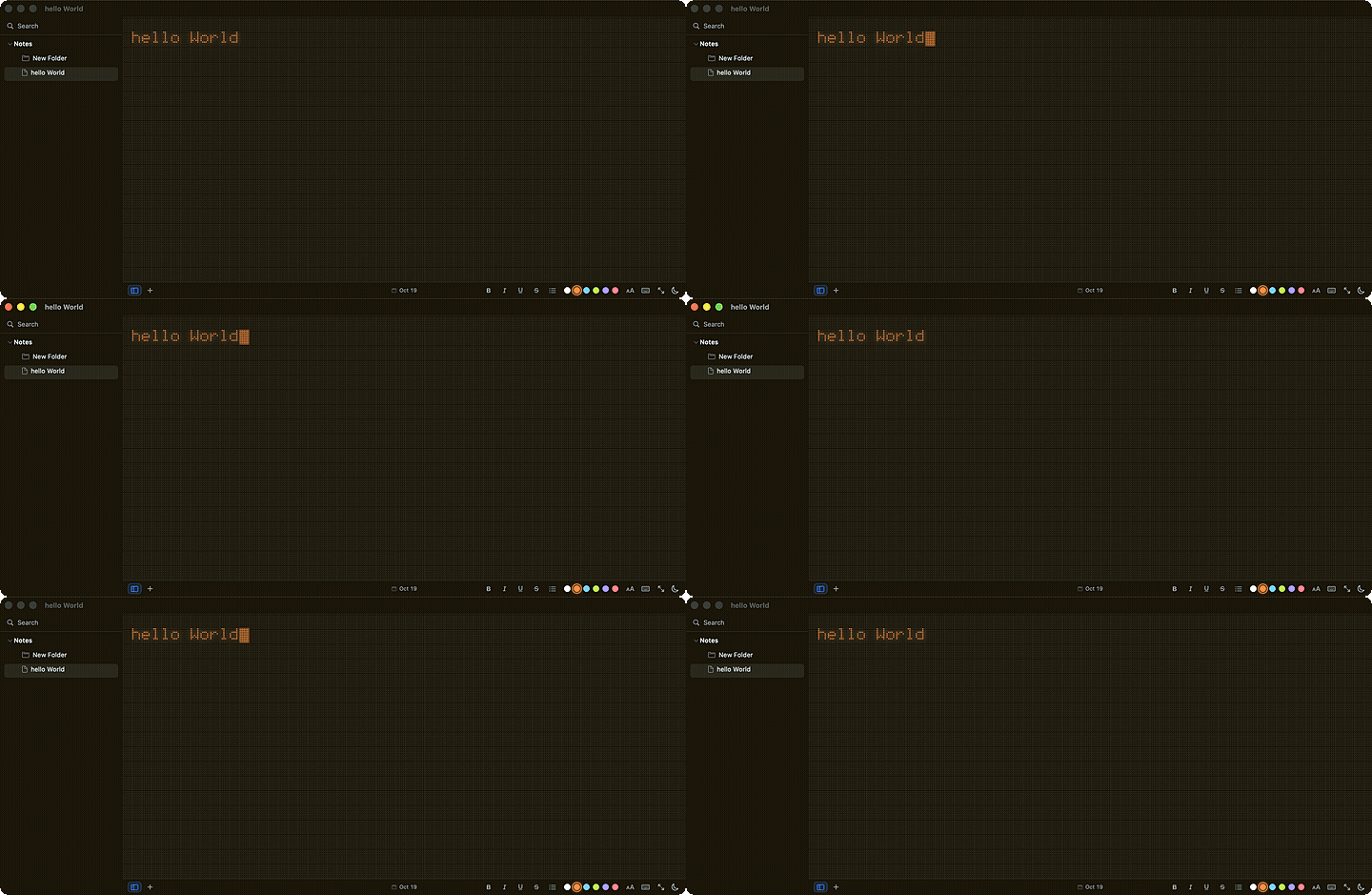
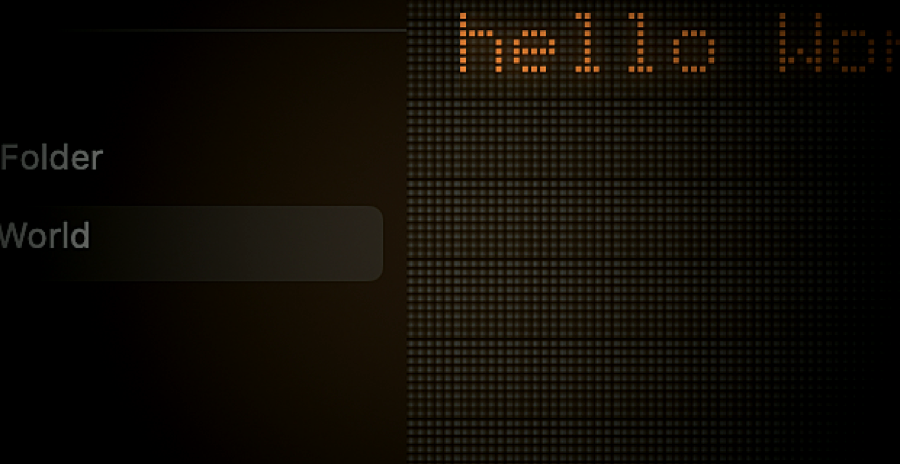
Open it, type, close it. That's it. Every character is drawn dot by dot on a dim field — the text is never drawn, the dots are. Plain .rtf files in a plain folder, automatic saving, seven languages.
No accounts, no markup, no learning curve. The kind of tool that disappears the moment you start typing.
237 hand-built glyphs drawn dot by dot on a dim field — the way a Nothing-OS display lights up. café, über, Kraków all render as themselves.
Each note is a plain .rtf in a plain folder. Folders nest, notes and folders drag between them, and everything is yours — readable by any app, forever.
No syntax, no markers, nothing to interpret. Smart quotes and substitutions are off, so a # is a #. Styling is stored as attributes, never as markup.
Twelve things, each small, each earning its place.
237 hand-built glyphs on a dim dot field. Accents, ligatures and every letter you need.
Live from the first moment. A wordmark greets an empty library and vanishes at the first keystroke.
Bold, italic, underline, strikethrough, lists and per-run colour. Stored as attributes, never markup.
Plain .rtf in a plain folder. Nest, drag, rename — it's just the filesystem.
Case- and accent-insensitive across every note, showing the line it was found on.
Retyped cell by cell, silently, at a chosen pace. Watch your own words land.
Export a note as a PNG drawn through the same matrix — dots, glow, colours, theme.
System, Light, Dark; six ink colours; text size 30%–150%. Preferences persist.
EN, ES, FR, DE, PT, IT, NL — following the Mac by default.
Debounced 0.4 s, flushed on switch, close and quit. Nothing blocks typing.
Selection, copy/paste, undo/redo, find bar (⌘F), spell check, standard shortcuts.
Reduce Motion, Reduce Transparency and VoiceOver are honoured.
Not a font on a grid — the dots themselves. The face is 5 × 8 cells, hand-built: 104 plain shapes, 16 letters no composition can make, 117 accented letters composed from the plain face.
café, über, Kraków, naïve all light up as themselves
The dots, the glow, the colours — all live, all on the same field the editor draws on.
The standard macOS shortcuts you already know, plus a couple of FewNote's own.
Free to install. No accounts, no analytics, no network access. Your notes stay on your disk, in plain files you can read with anything.
$ curl -fsSL https://raw.githubusercontent.com/zakhefron/few-note/main/install.sh | sh